Ultra Vizion Antenna: A Clearer Way to Watch Local HDTV Without a Monthly Cable Bill
The Ultra Vizion antenna is a transparent indoor amplified TV antenna designed for households that want access to available over-the-air local television broadcasts without adding another monthly subscription. Connect it to a compatible TV, position it toward nearby broadcast towers, scan for channels, and see what is available in your area.
One-time antenna purchase
Designed to receive available over-the-air television broadcasts without an ongoing cable subscription.
Transparent Indoor Antenna Design
Fits on a window or suitable wall area with minimal visual distraction.
Simple setup process
Connect, locate nearby towers, position the antenna and scan for channels.
Amplified reception support
Includes an amplifier setup for locations where signal support may help.
Compatible viewing experience
Intended for TVs with a suitable tuner or an appropriate converter box.
Location-dependent results
Channel availability and reception quality depend on broadcast coverage, terrain, nearby buildings, trees and antenna placement.
Trust matters
UltraVizion does not create premium cable channels or guarantee a fixed channel count. It is an indoor antenna that receives locally available broadcast signals based on your location and setup.
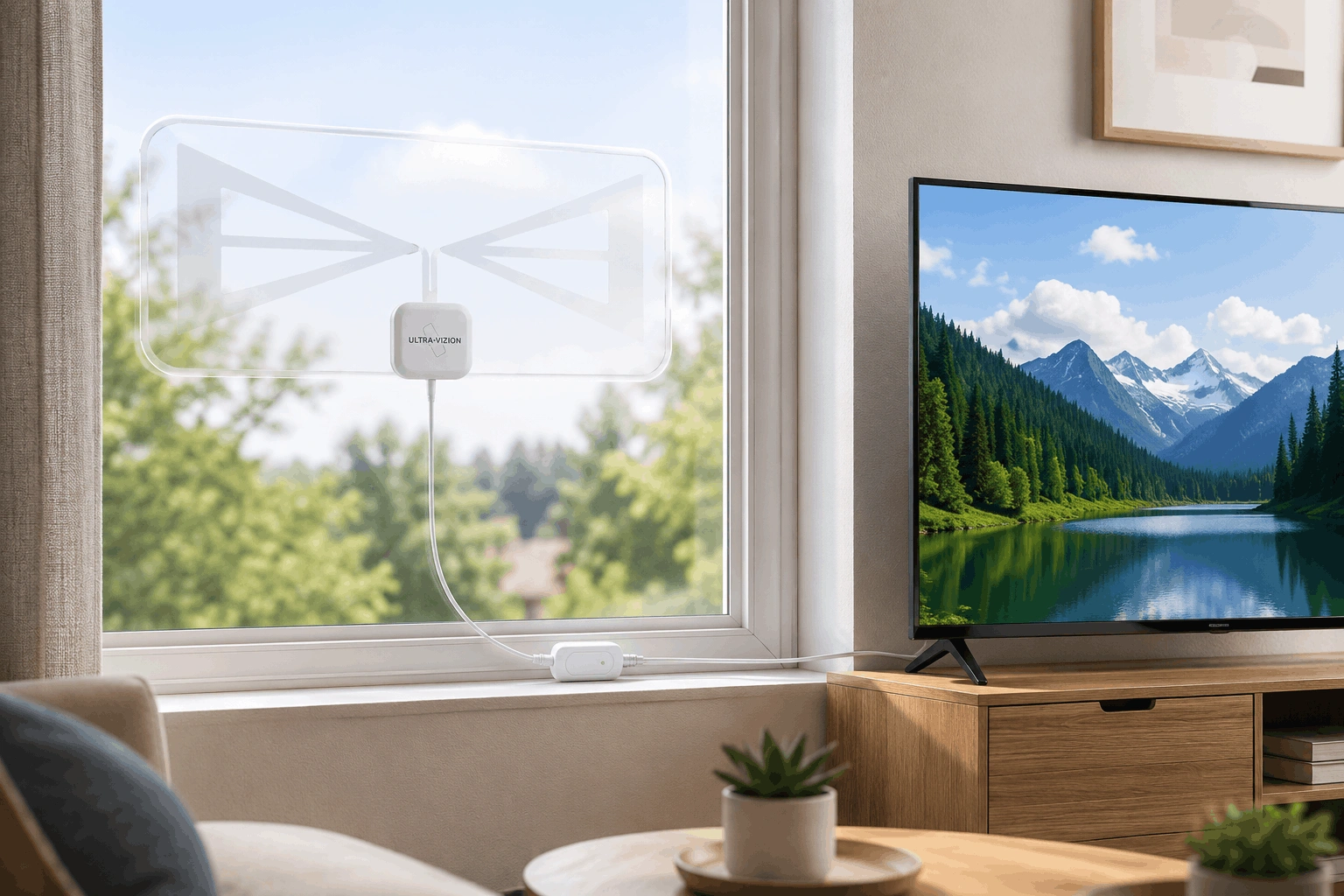
Unlike bulky indoor antennas that can stand out on a wall or window, the UltraVizion antenna is designed to remain discreet in your living space. It is built for viewers who still want local news, weather, sports broadcasts and major network programming where locally available, but do not want a visible antenna dominating the room.
UltraVizion Antenna Specifications and Technical Details
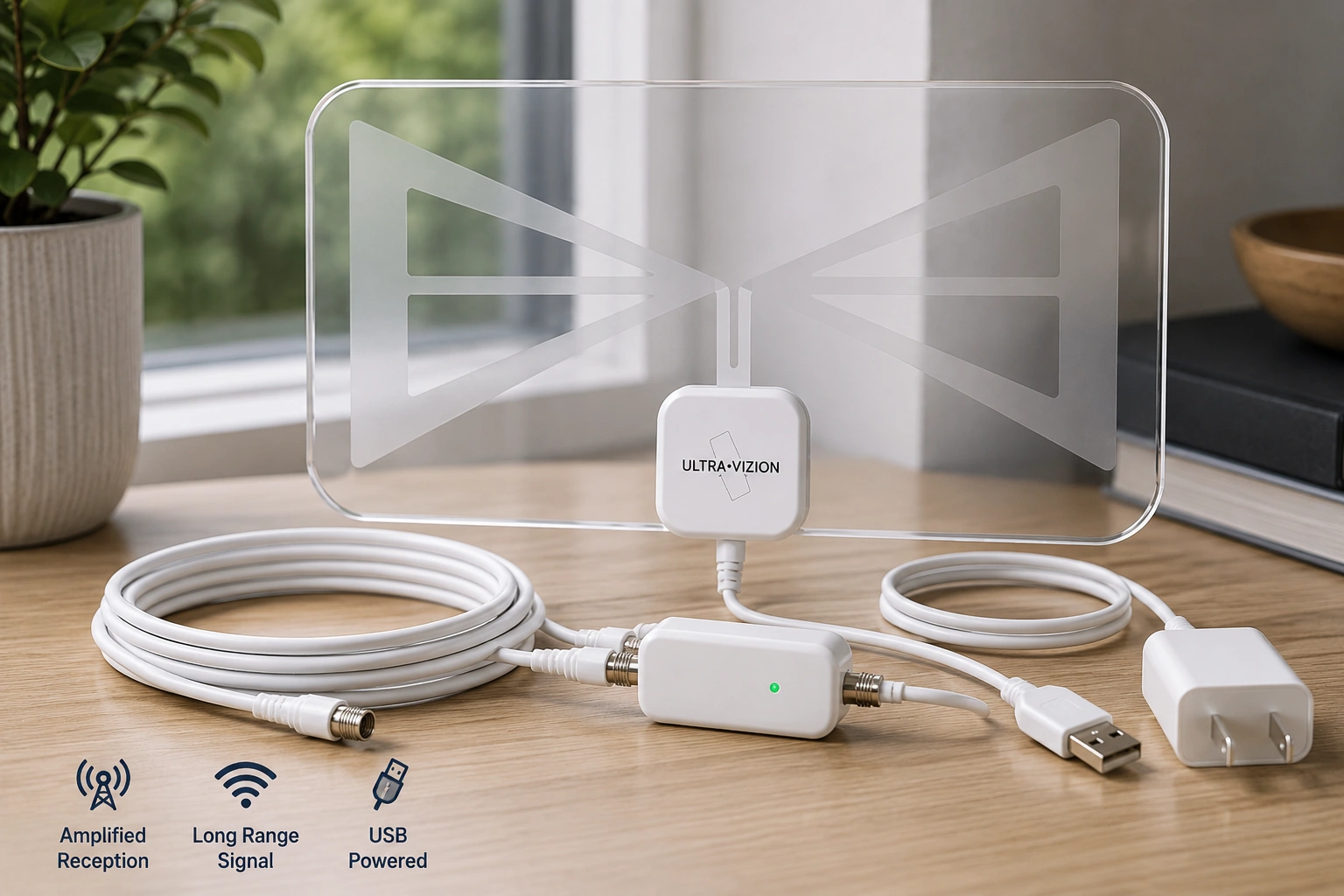
The UltraVizion HDTV receiver is a thin, transparent indoor amplified TV antenna made for receiving available over-the-air digital broadcasts. Its low-profile design helps it blend into window placement, while the attached cable and USB-powered amplifier setup make indoor installation straightforward.
| Specification | UltraVizion Detail |
|---|---|
| Product Type | Transparent indoor amplified TV antenna |
| Primary Use | Over-the-air local digital TV reception |
| Panel Dimensions | Approx. 6.25 × 16.5 inches |
| Thickness | Approx. 0.06 inches / 1.5 mm |
| Cable Length | Approx. 16.5 feet |
| Connection Method | Coaxial connection to TV |
| Amplifier Setup | USB-powered amplifier |
| Reception Bands | VHF-High and UHF |
| Installation Area | Indoor window or clear wall placement |
| Setup Method | Connect, position and scan |
| TV Compatibility | HDTV with digital tuner; older TVs may need a converter box |
| Best Signal Conditions | Medium-to-strong local broadcast areas |
| Design Focus | Thin, transparent, low-visibility placement |
| Signal Performance | Depends on towers, terrain and placement |
| Intended Placement | Indoor use only |
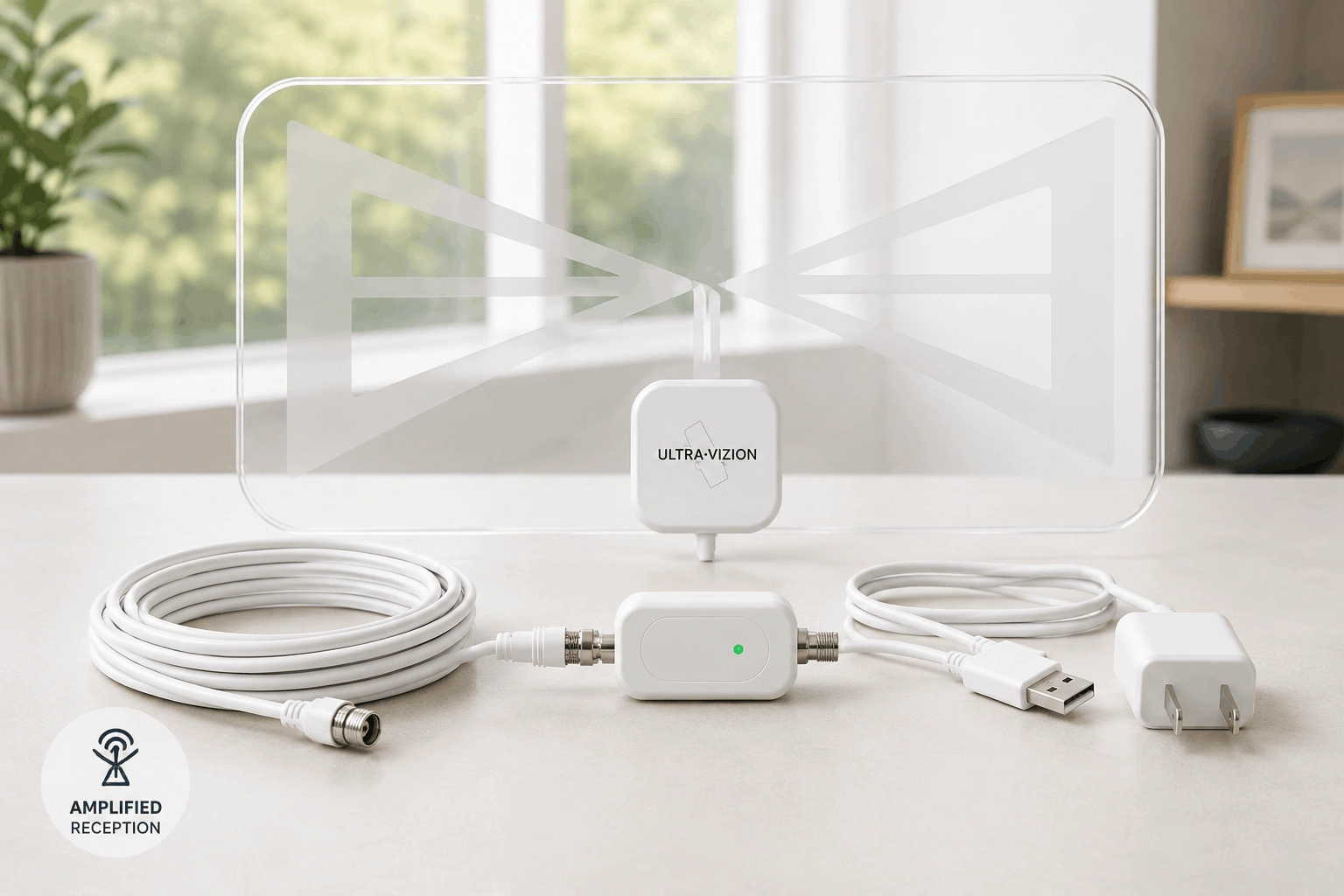
The ultra vizion hd digital tv antenna is suited to households that want a cleaner indoor antenna setup without bulky equipment on display. It may be practical for homeowners, renters, students, apartment residents, guest rooms, vacation properties and indoor RV television setups where local broadcast reception is available.
Its transparent panel is especially useful because indoor antennas often perform best near a visible window. Instead of hiding the antenna behind furniture and weakening its reception potential, users can position UltraVizion closer to an open signal path while keeping the room looking neat.
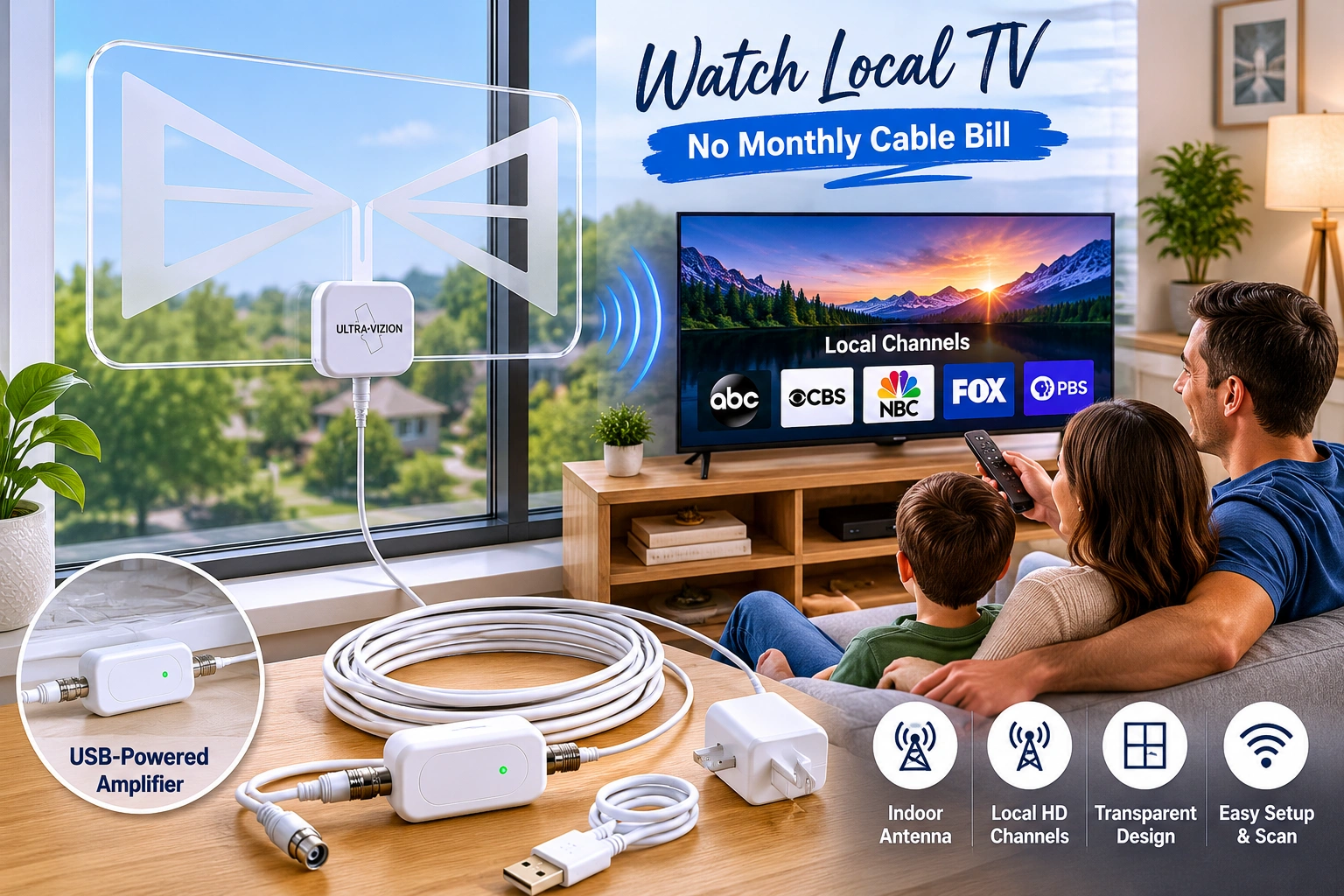
Engineered to blend seamlessly into window panes and bright living spaces.
Product Overview: What Is Ultra Vizion?
Ultra Vizion is an indoor TV antenna built for people who want a more practical way to access locally broadcast television. Rather than paying a cable company each month for local channels that may already be broadcast over the air in your area, the antenna connects directly to your television and searches for available signals.
The product stands out because of its transparent appearance. Many antennas work best near windows, but solid black designs can look awkward in a bright living room, apartment or bedroom. The ultra vizion transparent indoor amplified antenna is designed to stay less noticeable while placed where reception may be strongest.
What UltraVizion Is Designed to Help With
- Reducing dependence on monthly cable television packages.
- Receiving locally available broadcast stations through an indoor antenna.
- Keeping the setup clean and visually discreet.
- Adding local broadcast viewing alongside existing streaming services.
- Providing a simple television option for spare rooms, apartments, vacation properties or compact spaces.
Check Local Channel Availability Before You Buy
An indoor antenna is only as useful as the broadcast signals available where you live. Before ordering the Ultra Vizion antenna, check which local over-the-air stations are likely to reach your address and identify the direction of nearby broadcast towers.
UltraVizion is designed to help receive available digital TV broadcasts, but it cannot create channels that are not transmitted in your area. Reception can change from one home to another based on distance from towers, apartment height, window direction, nearby buildings, trees, hills and electrical interference.
A Better Way to Decide
If your home is close to local broadcast towers and you have a suitable indoor window location, the UltraVizion indoor TV antenna may be a practical fit. If your address is far from towers or surrounded by major obstructions, an attic or outdoor antenna may be more suitable for distant-station reception.
Why Coverage Checking Matters
- It helps you understand which local stations may be available before purchase.
- It shows where nearby broadcast towers are located.
- It makes antenna placement easier after delivery.
- It helps set realistic expectations for homes in rural or obstructed areas.
- It reduces guesswork before you choose a bundle for multiple TVs.
Ready to Optimize Your TV Setup?
Check technical specifications and details before you get started.
Buy UltraVizion Antenna for Your TV SetupUltraVizion TV Antenna Features and Benefits
Transparent Indoor Design
The most obvious advantage of the ultra vizion tv antenna is its visual simplicity. It is designed to mount indoors without creating the heavy, obvious appearance of many traditional antennas.
For homes where the best reception area is a front-facing window or visible wall, this matters. You can pursue a stronger signal without turning the antenna into the first thing guests notice.
Designed for Local HDTV Broadcast Reception
UltraVizion is intended to receive available over-the-air digital television channels. Depending on your area, these may include local news, weather, public television, sports broadcasts and network programming.
Amplified TV Signal Support
The antenna includes an amplified connection setup shown in the brand instructions. Amplification may help in some conditions, particularly where signals are weaker or intermittent. However, amplification is not a promise of more channels in every home.
Works Alongside Streaming
Streaming subscriptions are useful for on-demand entertainment. An antenna solves a different need: access to locally broadcast television where available. UltraVizion can complement streaming by adding local programming without requiring a new monthly cable plan.
Easy Channel Scan Process
Once connected and positioned, users scan for channels through their television menu. If the antenna is moved, a fresh scan may help identify signals available from the new position.
Buyer Benefit: A clean, straightforward setup means less time troubleshooting and more time finding the broadcasts available in your home.
What Comes With Your UltraVizion Setup
The UltraVizion HDTV receiver is designed as a straightforward indoor antenna setup rather than a complicated home-entertainment installation. Once the antenna is connected and positioned correctly, your television completes the channel scan.
Core Setup Components
| Component | Purpose |
|---|---|
| Transparent indoor antenna panel | Receives available over-the-air digital TV signals |
| Attached coaxial cable | Connects the antenna to the television |
| Amplifier setup | Supports signal amplification where appropriate |
| USB power cable | Powers the amplifier configuration |
| Plug-in adapter | Allows amplifier power connection when needed |
When Should You Use the Amplifier?
An amplifier is not automatically better in every location. If you live close to broadcast towers and already receive a strong signal, extra amplification may not be necessary. If your reception is weak or intermittent, using the amplifier configuration may help improve stability.
Start with the recommended setup, scan for channels, and compare results after adjusting placement. Indoor antenna performance is often improved by position first, amplification second.
You receive a television antenna setup built for simple connection and testing, without scheduling a technician or installing exterior equipment.
Material, Build Quality and Technical Details
The UltraVizion indoor TV antenna is designed around a thin, transparent panel that can sit on a window or suitable wall space without the visual heaviness of opaque antenna designs. Its build is intended to balance reception placement with a more discreet appearance.
Technical Elements That Matter
| Build Element | Why It Matters |
|---|---|
| Transparent antenna panel | Helps reduce visual disruption when positioned near a window |
| Indoor mounting format | Suitable for apartments, bedrooms, offices and living areas |
| Coaxial TV connection | Provides a familiar antenna-to-TV setup |
| USB-powered amplifier arrangement | Supports amplified use according to setup instructions |
| Flat directional placement | Allows the antenna face to be positioned toward nearby towers |
| Channel rescan capability | Helps users test reception after changing placement |
A third-party product test described the transparent panel as visually unobtrusive when installed in a window and found that reception performed best for local stations in areas with stronger signals. That practical distinction is important: the product is built for discreet indoor placement, but no indoor antenna can remove the effects of distance, terrain or interference.
Choose the ultravizion amplified indoor antenna for its design and indoor convenience, then check local signal conditions before relying on it as your main television solution.
Reception Range and Real-World Performance
The Ultra Vizion antenna is designed for indoor reception of available local television broadcasts. Like every indoor antenna, its performance depends on the signal environment around your home.
In areas with medium-to-strong local signals, UltraVizion can provide a clean and discreet way to receive local broadcast television. Homes farther from broadcast towers, surrounded by hills or dense buildings, or attempting to receive low-power and distant stations may see more limited results.
What Affects UltraVizion Reception?
| Reception Factor | Why It Matters |
|---|---|
| Distance from broadcast towers | Nearby stations are generally easier to receive |
| Window direction | A clear path toward towers may improve signal quality |
| Buildings and walls | Dense materials can weaken indoor signals |
| Trees, hills and terrain | Natural obstructions can reduce reception |
| Electrical interference | Nearby appliances may affect signal stability |
| Antenna height | Higher indoor placement can improve results |
| Rescanning after movement | A new position may reveal additional available stations |
What to Expect From an Indoor Antenna
UltraVizion is a strong fit for people who want local over-the-air broadcasts in a room where a bulky antenna would be distracting. It is not intended to guarantee distant stations, low-power channels or the same channel lineup in every home.
An independent hands-on test of the Ultra-Vizion Transparent antenna found reliable performance for full-power local stations in a strong-signal test area, while distant and low-power reception was more limited. That is a realistic expectation for an indoor antenna: discreet placement and convenient local reception where broadcast conditions support it.
In some locations, nearby cellular signals or other local interference may affect television reception. If your picture breaks up or channels appear unstable, try another window, a higher indoor placement, a fresh channel scan or a different antenna orientation.
How UltraVizion Works
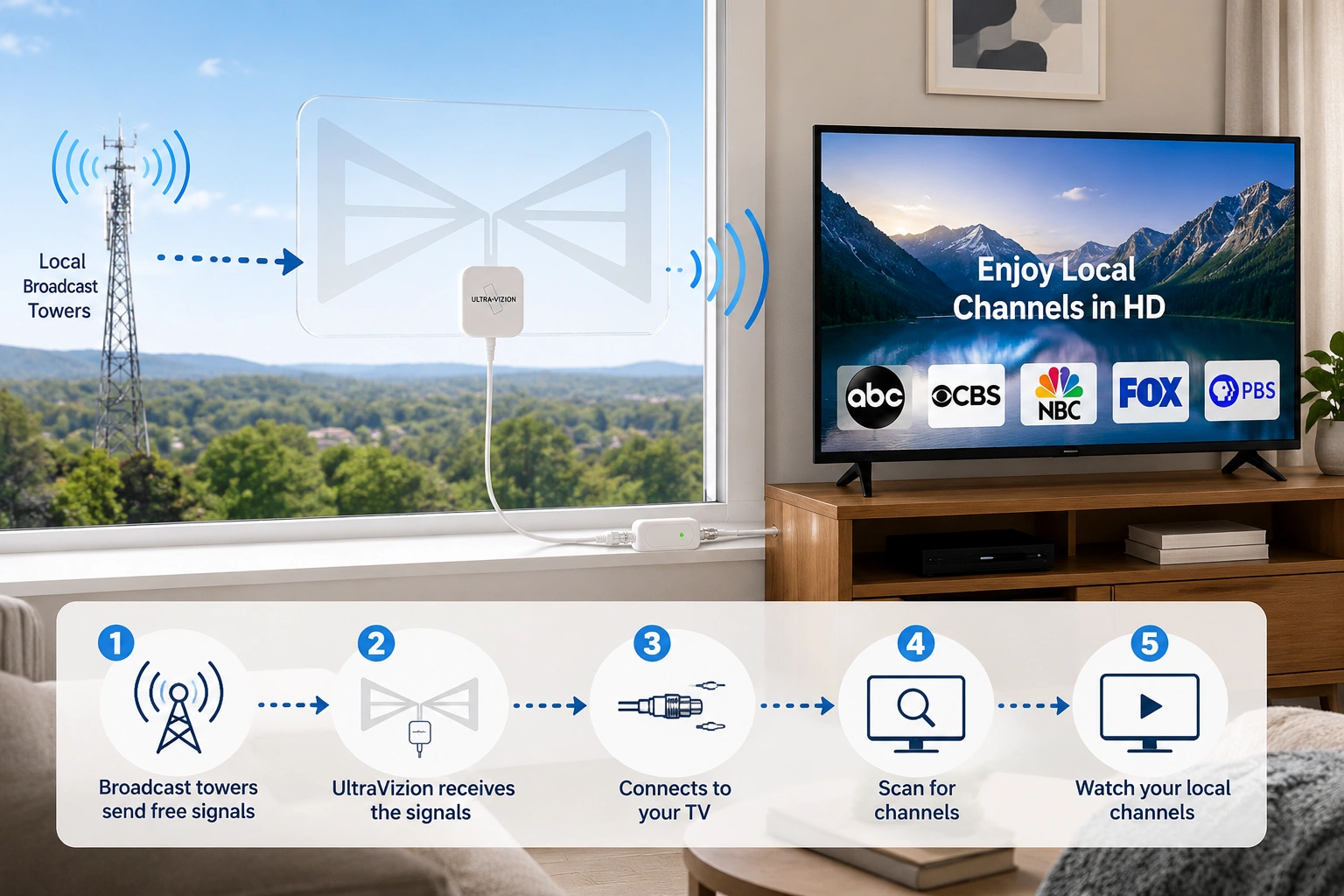
The ultravizion antenna for TV receives digital over-the-air broadcast signals available at your location and sends them to your television through its antenna input. Your TV then scans those signals and displays the stations it can decode clearly.
In Simple Terms
Nearby broadcast towers transmit free over-the-air television signals.
UltraVizion is placed indoors where it can best receive those signals.
The antenna connects to your compatible television.
Your TV scans for available channels.
You watch the stations your local reception conditions allow.
Channel availability is different from one home to another. Two customers in the same city may receive different results depending on floor level, building materials, nearby trees, hills, window direction or distance from towers.
HD and 4K Viewing Expectations
UltraVizion is promoted for HD and compatible advanced broadcast viewing. However, not every digital channel is broadcast in HD, and 4K availability depends on local broadcasts, television compatibility and receiving conditions. The antenna can only receive signals available in your area.
UltraVizion gives you a simple way to test locally available television reception without committing to a monthly cable contract.
How to Set Up the UltraVizion Antenna
The UltraVizion setup process is designed to be completed without a technician.
 Step 1
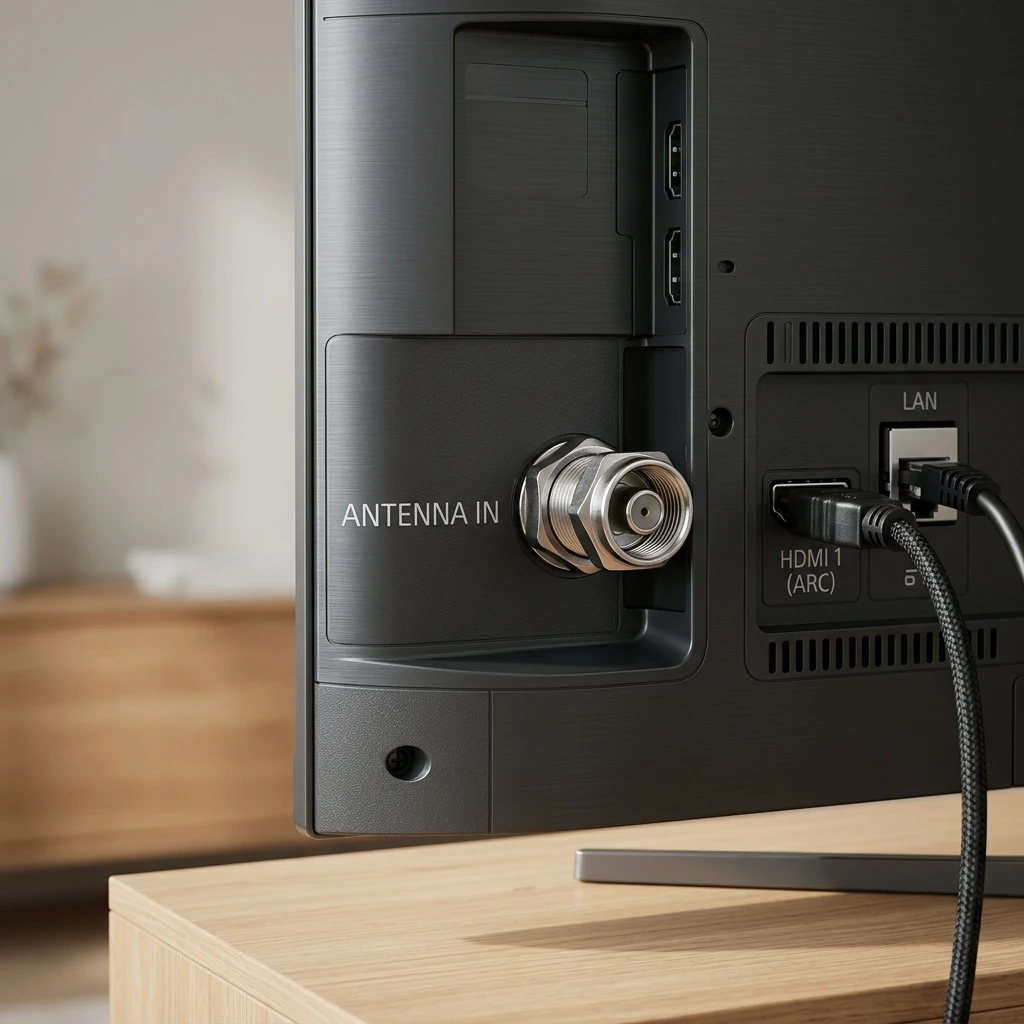
Check Your Television
Confirm that your TV has a built-in digital/ATSC tuner and antenna input. Older televisions may require a compatible digital converter box.
 Step 2
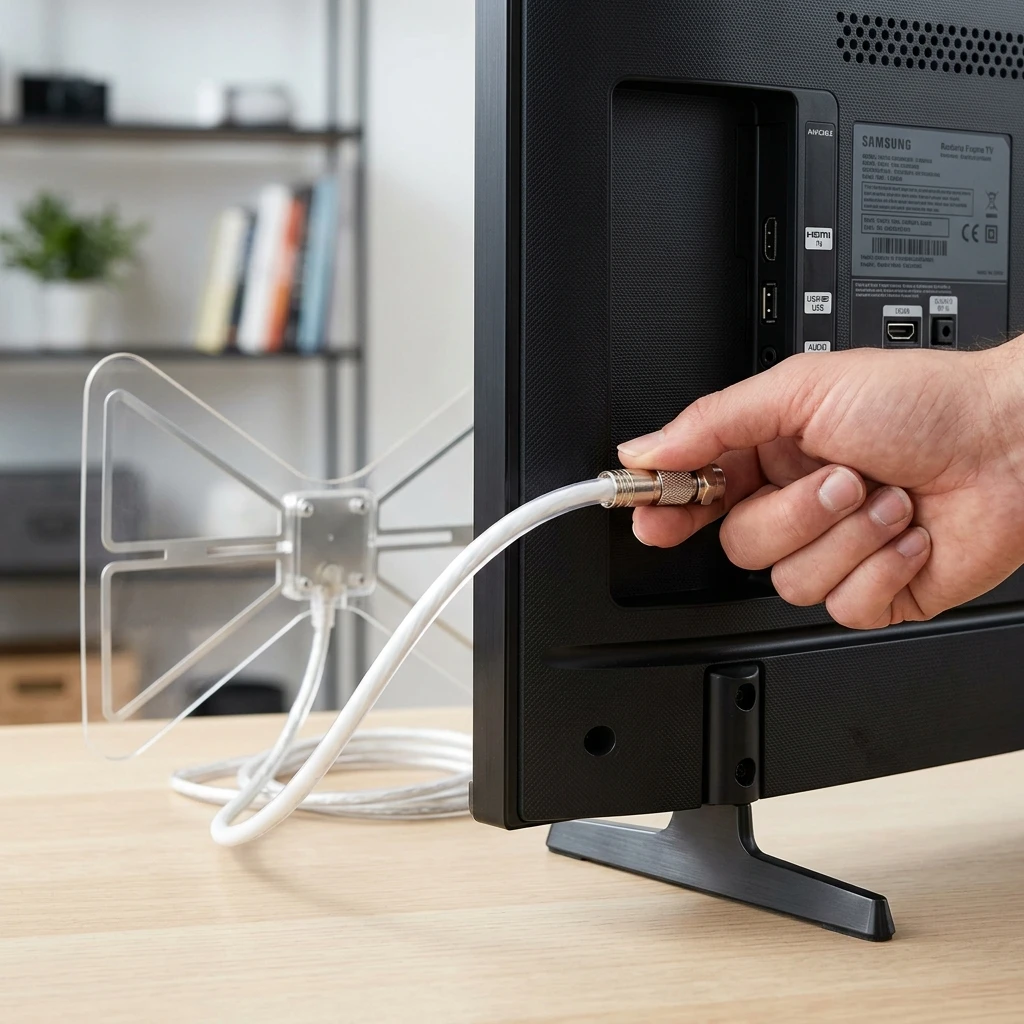
Connect the Antenna
Attach the antenna coaxial connection to the antenna input on your television. Connect the amplifier according to the supplied setup instructions when using the amplified configuration.
 Step 3
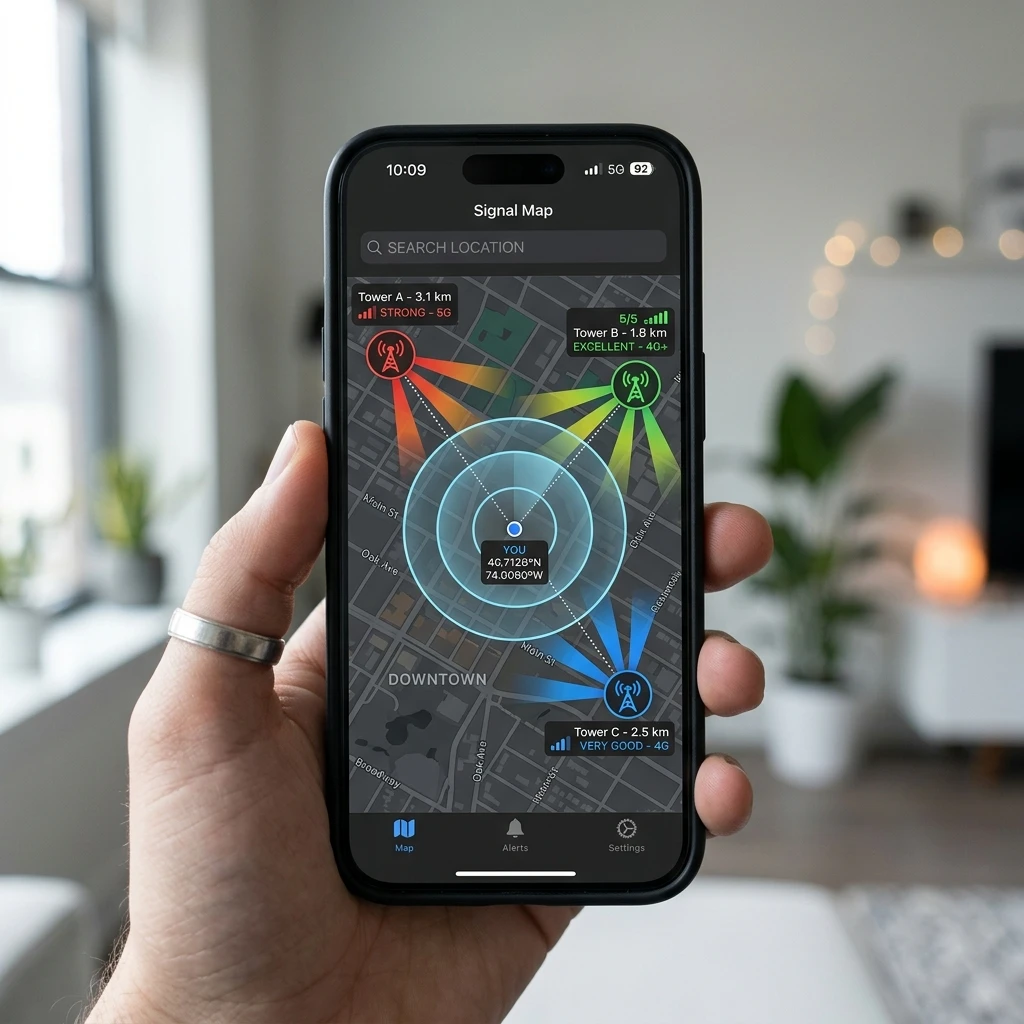
Locate Broadcast Towers
Before final placement, check the likely tower direction and available local stations for your address or ZIP code using a coverage tool.
 Step 4
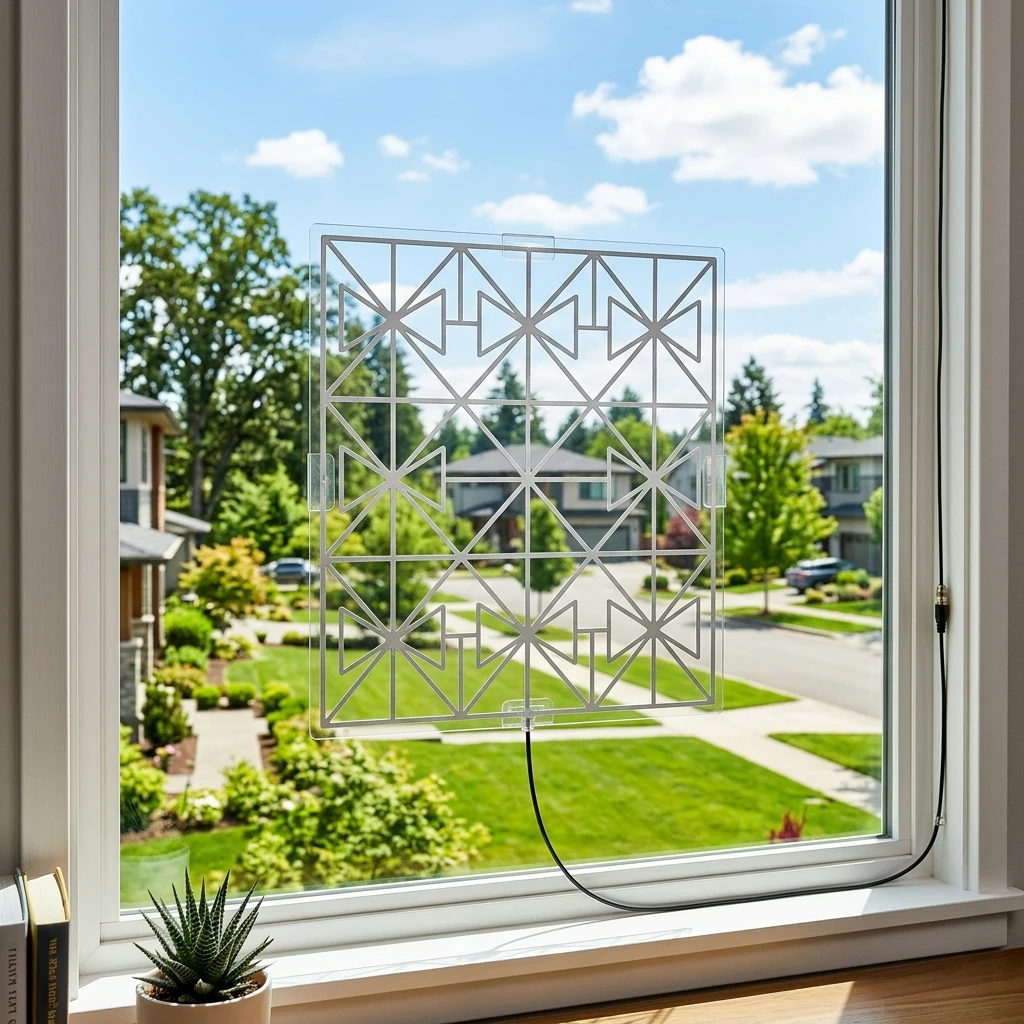
Place the Antenna Carefully
Position the flat face of the antenna toward nearby towers. A window with fewer obstructions is generally a sensible starting position for an indoor antenna.
 Step 5
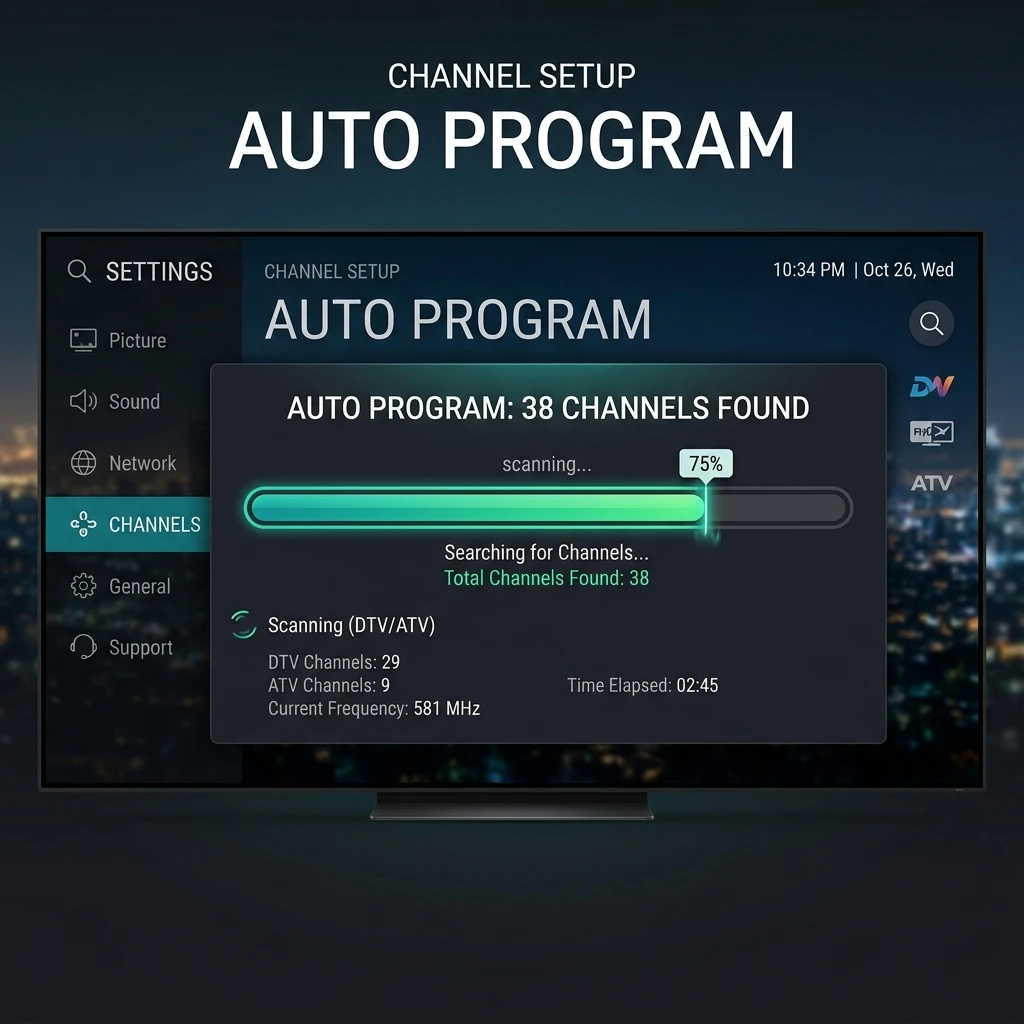
Scan for Channels
Open your TV menu, choose the antenna or over-the-air channel scan option and allow the television to search for stations.
 Step 6
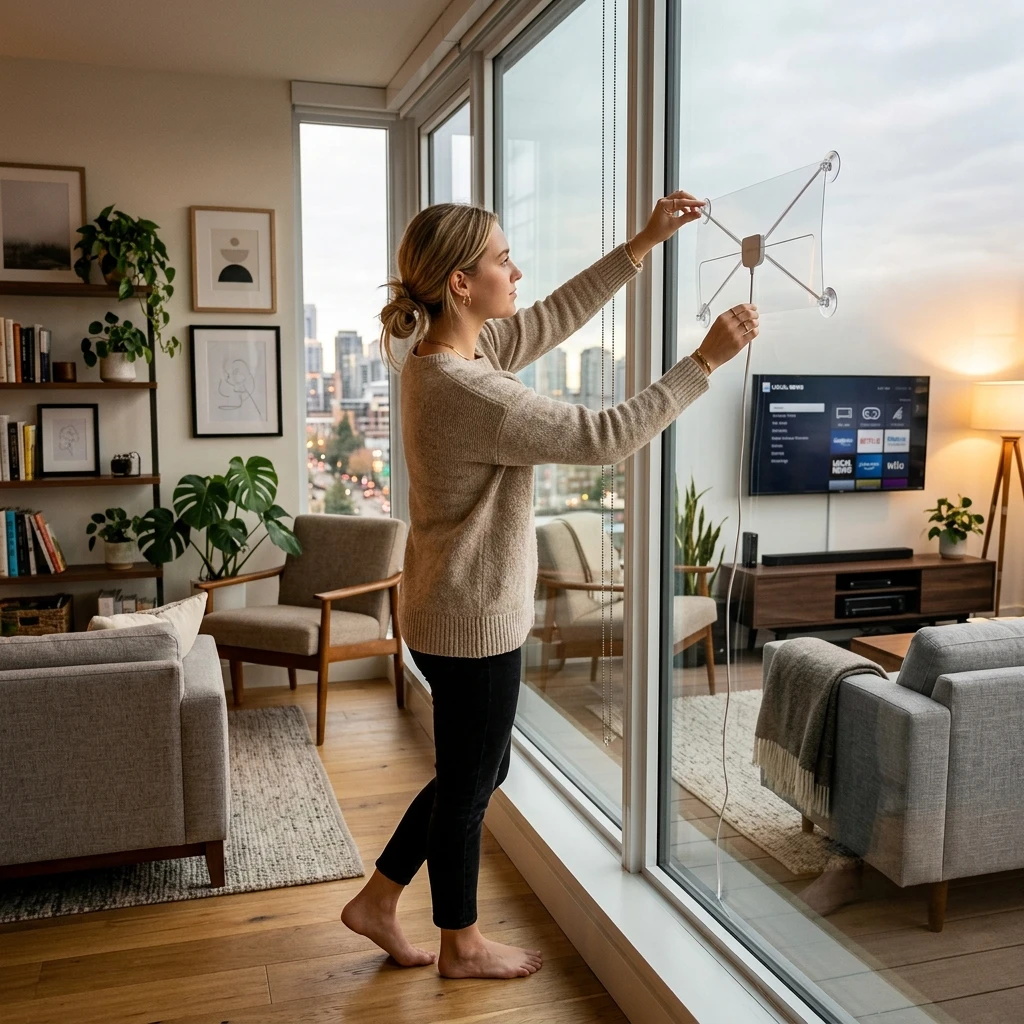
Adjust and Rescan
If reception is limited, test a different window or higher position, rotate the antenna direction and scan again. Periodic rescanning can also identify channel changes over time.
Placement Tips for Better Reception
- Start with a window rather than hiding the antenna behind the television.
- Avoid placing it close to large electrical appliances that may cause interference.
- Try higher indoor positions when possible.
- Reduce obstructions such as thick walls or metal surroundings.
- Remember that rural areas or homes far from transmitters may require stronger outdoor solutions.
Start With a Simple Indoor Setup
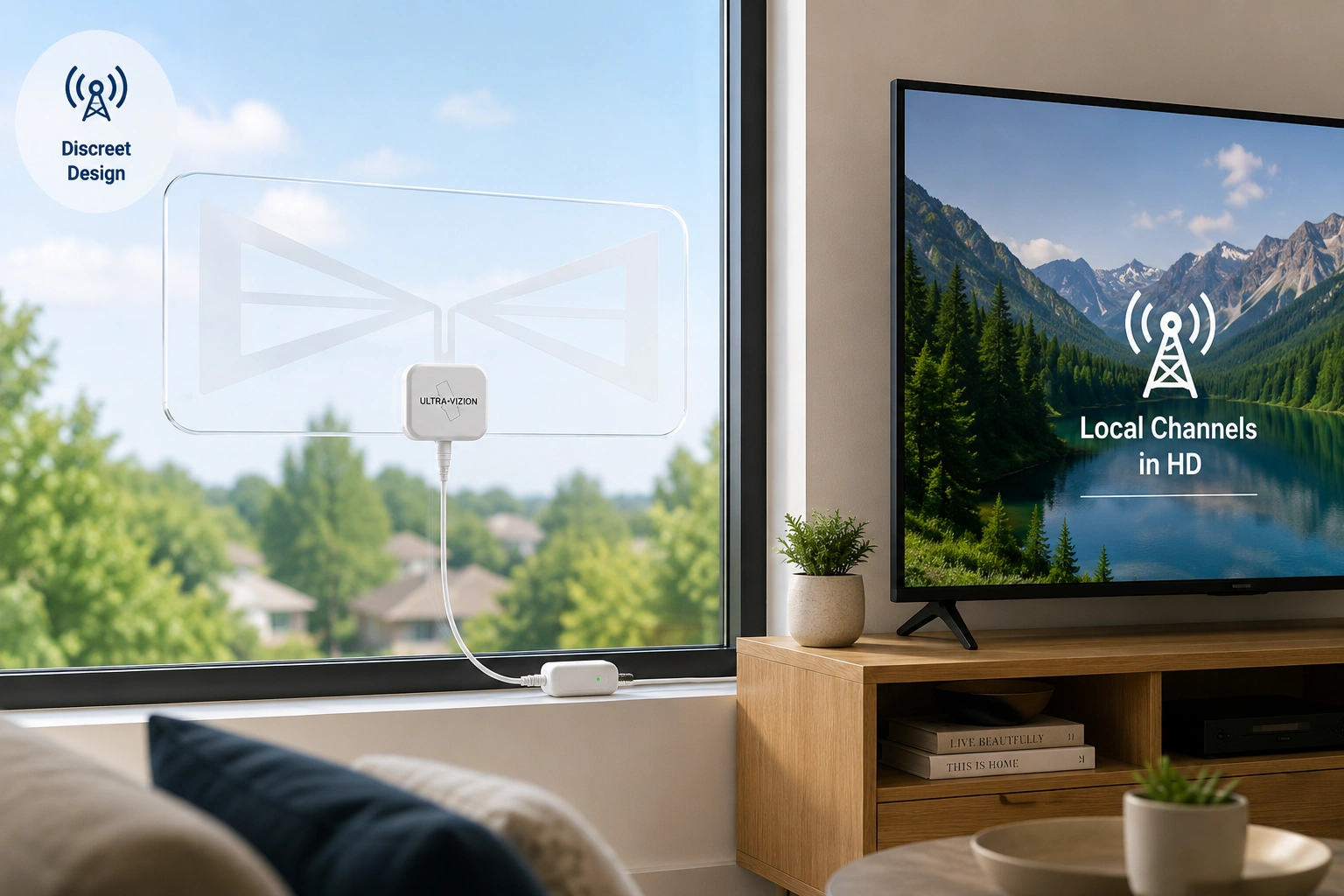
Experience convenient, high-definition broadcast channels with our transparent, minimalist indoor layout.
Improve Reception: UltraVizion Troubleshooting Checklist
Getting fewer channels than expected does not always mean your antenna is unsuitable. With indoor antennas, a small change in position can make a noticeable difference. Try these steps before deciding whether the setup is right for your home.
If You Receive Few or No Channels
Make sure your television input is set to Air, Antenna or Over-the-Air, not cable.
Make sure the coaxial cable is firmly connected to the television antenna input.
When using the amplifier, check that the USB power connection is active and correctly attached.
A window with fewer outside obstructions is usually a better starting point than a wall behind the TV.
Try a higher indoor location before assuming the signal is unavailable.
Use local coverage information to guide the direction of the antenna.
Your TV must search again after placement changes to store newly received channels.
Keep the antenna away from high-power appliances and other possible interference sources.
In strong-signal areas, amplification may not always be necessary.
Some channels may simply not be available indoors at your address.
Monthly Rescanning Tip
Broadcast lineups and reception conditions can change. Running a channel rescan periodically may help your television locate available stations that were not stored during the first installation.
Need Setup Help?
Our customer care experts are here to help you get the best local OTA performance. Reach out to our technical assistance line.
Suitable Placement Areas
- A clean indoor window facing nearby broadcast towers.
- A higher position in a living room or bedroom.
- An apartment window where exterior antennas are not practical.
- A guest room, home office, compact home or secondary television area.
Placement Areas to Avoid
- Outdoor walls, balconies or exposed exterior surfaces.
- Behind the television when a clearer window placement is possible.
- Near large appliances or strong electrical interference.
- Metal-enclosed spaces, metal-roof mobile homes or areas heavily blocked by external obstacles.
Designed for Indoor Use Only
The UltraVizion transparent indoor amplified antenna is made for indoor installation. It is not designed as a weatherproof outdoor antenna and should not be mounted outside in rain, moisture or exposed weather conditions.
For best results, place UltraVizion indoors near a window or on a suitable interior wall with a clearer path toward local broadcast towers. The transparent design is especially useful in visible areas because it reduces the visual distraction that can come with solid indoor antennas.
UltraVizion is intended to receive locally available over-the-air signals indoors. Outdoor or long-distance reception needs may require a different antenna type.
Customer Feedback and Viewing Expectations
People considering an Ultra Vizion antenna usually ask the same practical questions: Will it be easy to install? Will it look awkward on the window? Will it help reduce dependence on cable? And, most importantly, what channels will actually appear after the scan?
The current promotional material highlights customers who value simple installation, a lightweight design and access to locally available television without a monthly antenna fee. The brand’s own material also makes an essential point: channel count and reception quality cannot be guaranteed because results depend on local signal conditions.
Clear Expectations, Better Evaluation
UltraVizion is easier to evaluate when expectations are clear: it is a discreet indoor antenna for locally available signals, not an unlimited paid-channel service.
What Buyers Commonly Value
- A cleaner-looking antenna for visible window placement.
- Setup that does not require an installer.
- The possibility of receiving local channels without a cable subscription.
- A useful addition to streaming for live local programming.
- Multiple-unit bundle options for more than one television.
What Smart Buyers Should Check Before Ordering
- Which over-the-air stations are predicted in their location.
- Whether the TV has the correct antenna input and tuner.
- Whether a suitable indoor window placement is available.
- Whether they expect local broadcasts rather than premium cable-only channels.
- Current checkout price, shipping terms and return eligibility.
Customer Stories
Hear from everyday users about their setup, placement tips, and real-world results.
“I kept cable mainly for morning news and weekend games, which felt ridiculous every time the bill landed. I put the ultra vizion antenna on the front-room window, scanned twice, and found the local stations I actually watch. It is not magic, but for my routine it made cutting that monthly bill feel much less scary.”

“My daughter bought me an UltraVizion antenna for TV because I was tired of juggling remotes and passwords. I expected a fiddly gadget, honestly. The setup was connect, scan, and move it slightly on the window. Now I can catch local news with a cup of tea, without calling anyone over to sort it out.”

“We moved into a smaller flat and I did not want another black device stuck in the window. The UltraVizion indoor TV antenna is barely noticeable from across the room. I had to try two window positions before the picture settled, but once it did, our local evening broadcasts came through clearly and the space still looked tidy.”

“I bought one for our bach because paying for television there made no sense when we visit only on long weekends. I packed it with the groceries, plugged it in after arriving, ran a scan, and got local weather and news. It is simple, light, and easy to store again when we head home.”

“I checked Ultra Vizion coverage before ordering because our house sits behind tall trees. That saved me from expecting every channel under the sun. After a little experimenting upstairs, I found the stations we wanted most. The honest part is that placement matters; once I accepted that, the antenna did a useful job for us.”

“Our guest room TV was basically decoration because I refused to pay for another service. I tried the antenna on a side window, rescanned, and suddenly guests could watch local programs without logging into my streaming accounts. It solved a small annoyance I had ignored for years, and installation took less time than making the bed.”

UltraVizion Special Offer, Discount and Bundle Deals
The current promotional checkout presents several UltraVizion offer options for customers purchasing one antenna or setting up multiple televisions. Bundle pricing may be especially practical for households that want separate antennas for different rooms.
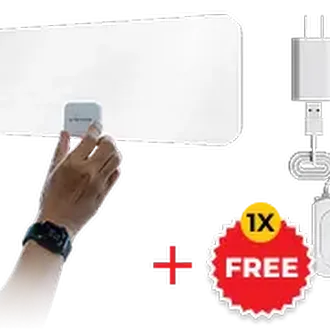
1 × UltraVizion HDTV Receiver
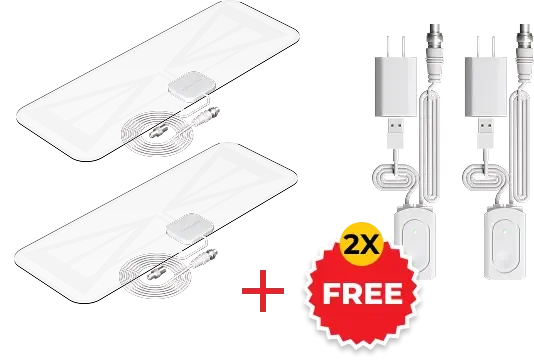
2 × UltraVizion HDTV Receivers
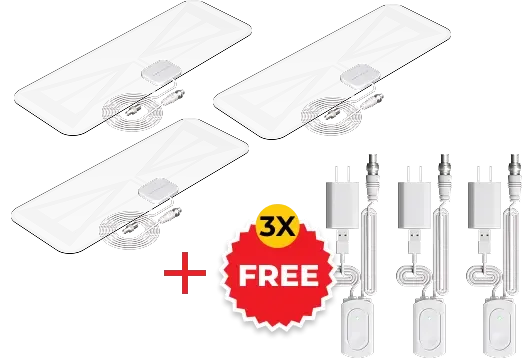
3 × UltraVizion HDTV Receivers
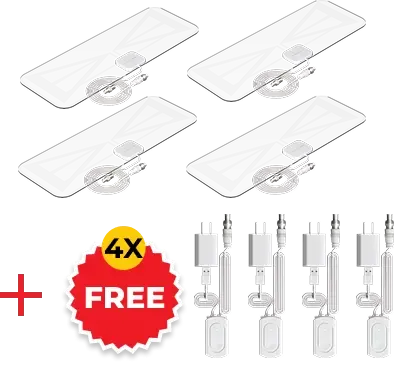
4 × UltraVizion HDTV Receivers
Choosing the Right Bundle
One TV household
The single-unit option is a straightforward way to try UltraVizion in your main viewing room.
Two-TV household
A two-unit package may suit a living room and bedroom setup without moving one antenna between televisions.
Three or four televisions
Larger bundles may offer a lower per-unit promotional cost for households wanting independent setups across several rooms.
Important Offer Information
The UltraVizion antenna price and bundle bonuses displayed during a promotion can change. Always review the live checkout page before completing an order, including optional services, shipping costs, taxes and the current return terms.
Installation Fit, Dimensions and Room Placement
UltraVizion does not require a size or color selection. The important choice is where it will be installed and whether your home has a practical indoor reception spot.
The transparent antenna panel measures approximately 6.25 × 16.5 inches and is around 0.06 inches thick, making it slim enough for window placement without the heavy visual appearance of many opaque indoor antennas. Its attached cable gives you more freedom to position the antenna where reception may be better while keeping the television in a comfortable viewing location.
Where UltraVizion Fits Best
| Room or Setting | Why It May Be Suitable |
|---|---|
| Living room window | Clear placement with less visual distraction |
| Bedroom television | Simple access to local broadcasts |
| Apartment | Indoor placement without exterior installation |
| Student accommodation | Compact setup with no technician needed |
| Tiny home or van-life setup | Space-conscious indoor antenna format |
| Vacation property | Local TV access without ongoing cable service |
Choose Placement Before Ordering
Before purchasing the UltraVizion antenna for TV, identify at least one clear indoor placement area near your television. A good window location can make setup easier and may improve reception compared with hiding the antenna behind furniture or electronic equipment.
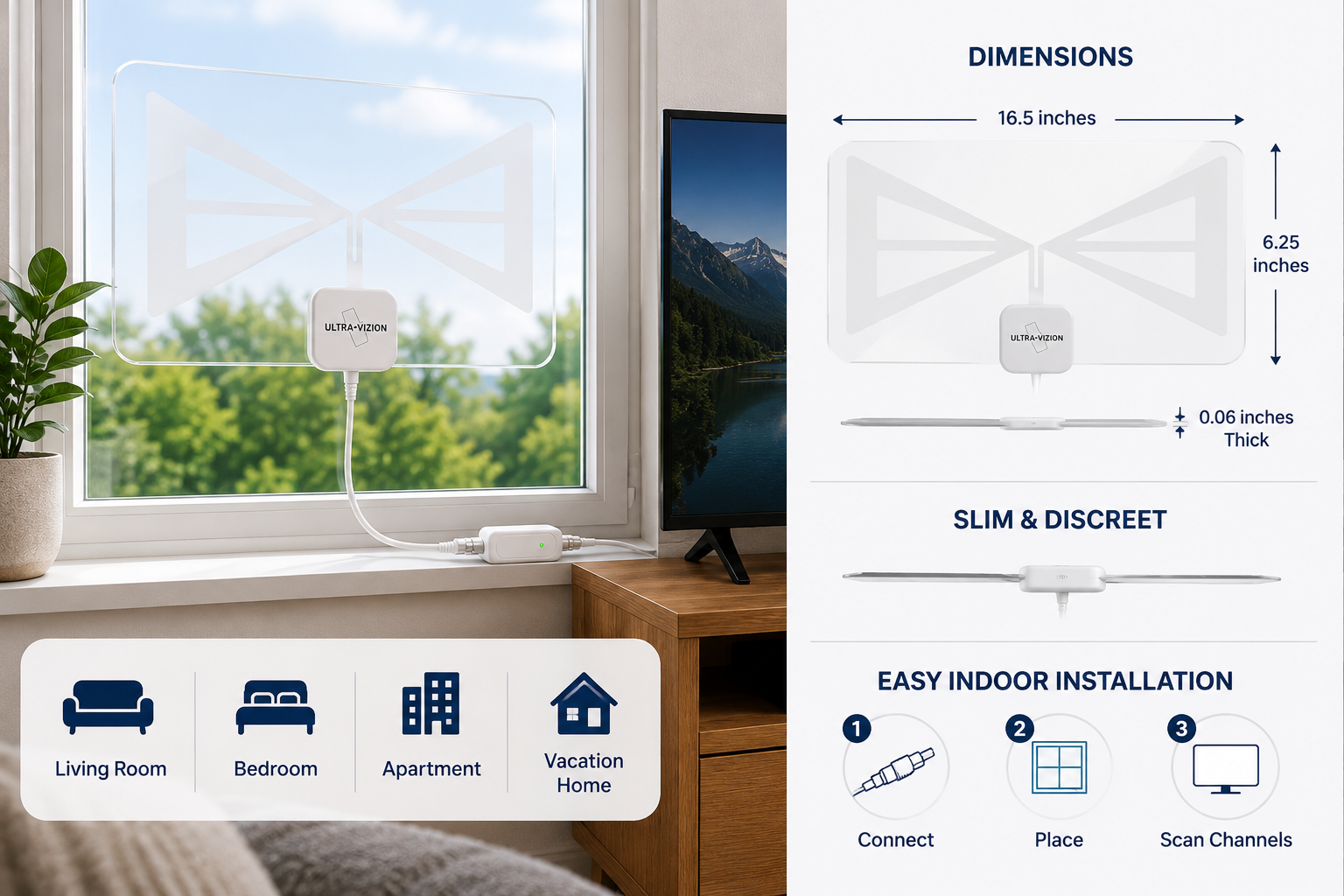
UltraVizion is made for rooms where antenna placement matters visually as well as technically.
Who Should Buy UltraVizion?
The UltraVizion cable alternative is designed for viewers who understand what an indoor antenna does best: receive available local over-the-air broadcasts without a monthly cable television subscription.
UltraVizion May Suit You If You:
- Want to explore available local TV channels without paying for a cable package.
- Prefer an indoor antenna that does not look bulky on a wall or window.
- Watch local news, weather, public television, network programs or broadcast sports.
- Already use streaming services but want locally available live TV as well.
- Need a simple antenna option for an apartment, bedroom, spare room or secondary home.
- Prefer a plug-in solution before considering a more visible outdoor antenna installation.
Consider Another Solution If You:
- Expect guaranteed premium cable channels or subscription-only programming.
- Live far from transmitters with weak indoor reception conditions.
- Need reliable distant or low-power stations in a difficult reception area.
- Cannot place an antenna near a useful window or unobstructed indoor location.
Best Match by Reception Situation
| Your Situation | Is UltraVizion a Good Fit? |
|---|---|
| City or suburban home near local towers | Strong potential fit |
| Apartment with a clear window | Practical indoor option |
| Viewer who mainly wants local channels | Strong use case |
| Streaming user who also wants live local TV | Useful companion device |
| Second TV, guest room or vacation property | Convenient use case |
| Rural home far from broadcast towers | Check coverage carefully |
| Need distant or low-power stations | Consider attic or outdoor alternatives |
UltraVizion is most compelling when three things line up: you want local broadcast television, you prefer a discreet indoor antenna, and your address has usable over-the-air signal coverage.
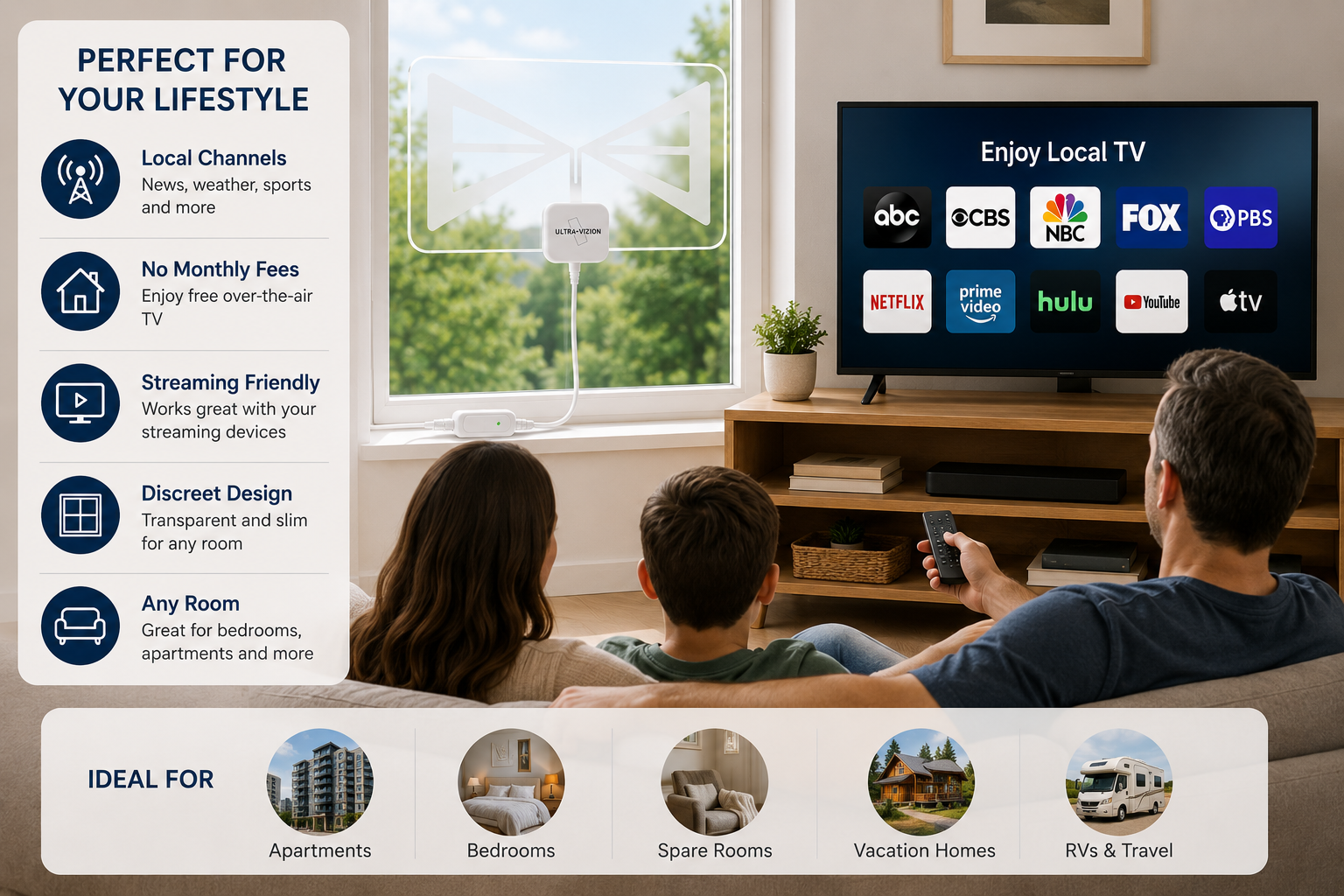
UltraVizion is strongest as a discreet indoor option for homes with reasonable access to local broadcast signals.
UltraVizion Compared With Common TV Viewing Options
| Feature | UltraVizion Indoor Antenna | Standard Opaque Indoor Antenna | Cable TV Package | Streaming-Only Setup |
|---|---|---|---|---|
| Monthly cable subscription required | No | No | Yes | Subscription-dependent |
| Receives available local OTA broadcasts | Yes | Yes | Package-dependent | Service-dependent |
| Transparent, discreet placement | Yes | Usually no | No antenna needed | No antenna needed |
| Indoor setup | Yes | Yes | Installation may vary | Yes |
| Channel count guaranteed | No | No | Package-based | Service-based |
| Works without internet for OTA reception | Yes, for received broadcasts | Yes | Provider-dependent | Usually no |
| Best reason to choose | Discreet local broadcast access | Basic indoor reception | Large paid channel package | On-demand programming |
An antenna and a streaming service are not opposites. Many households use both: streaming for on-demand shows and an indoor antenna for available local broadcasts. The UltraVizion local TV antenna is intended to fill that local viewing role with a more discreet visual profile.
UltraVizion Shipping and Returns
The current promotional checkout states that UltraVizion orders ship directly to the delivery address provided during checkout. A separate optional delivery protection or VIP service may appear during purchase, so review all selected items before payment.
The promotional material also states a 30-day return period for customers who are not satisfied with their UltraVizion product. Before ordering, confirm the latest eligibility rules, return instructions, shipping conditions and any applicable fees on the active order page.
Before You Place Your Order
- Confirm the selected quantity and current bundle price.
- Review whether a TurboSignal Kit bonus is included with your selected offer.
- Check whether optional shipping or delivery protection has been added.
- Save your order confirmation details.
- Read the most current return-policy terms.
Helpful Links
- Read delivery details: Shipping & Returns page
- Get order assistance: Contact page
- Review purchase disclosures: Terms & Conditions page
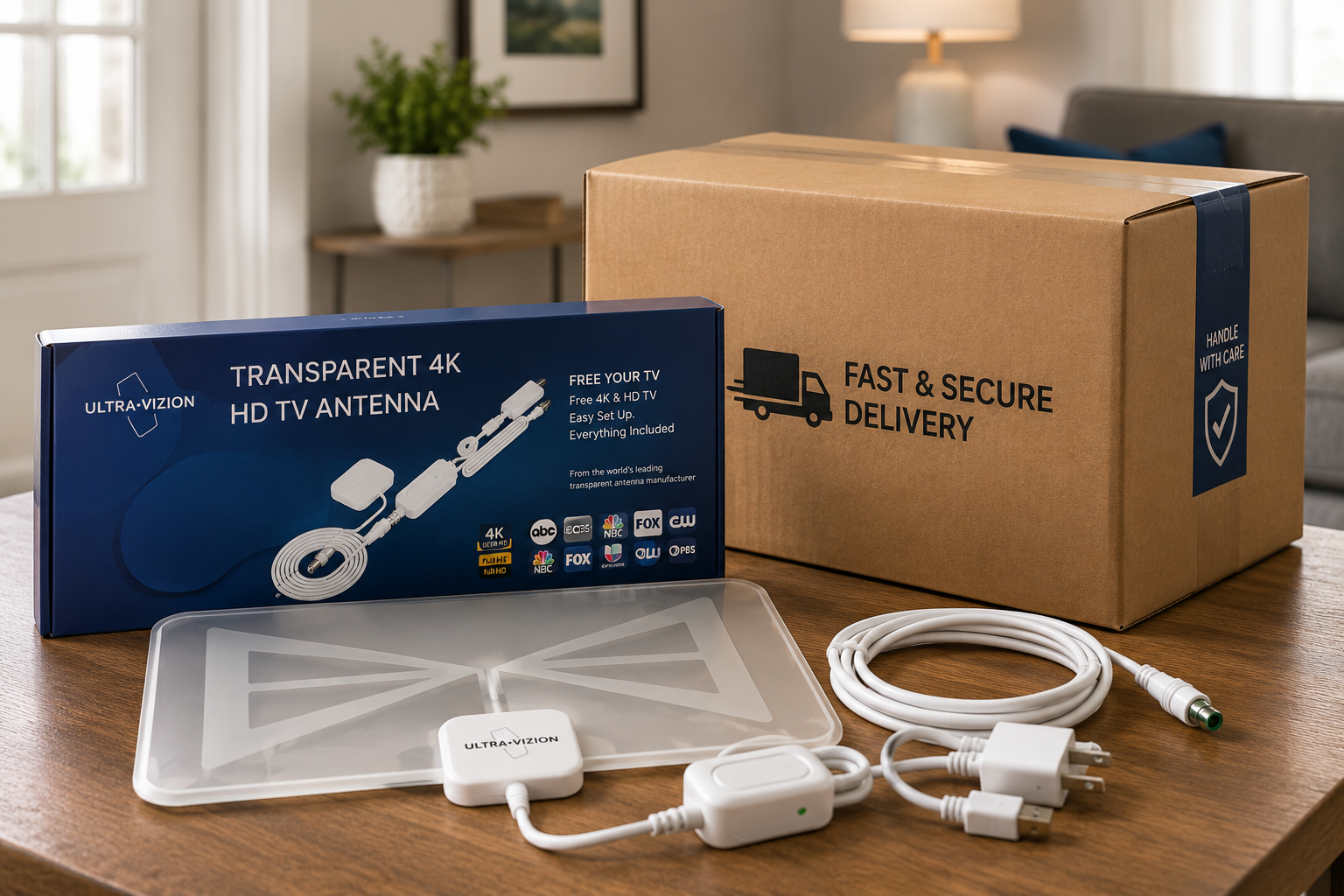
Orders are dispatched promptly. Standard shipping times apply depending on your location and regional logistics schedules.
UltraVizion Money-Back Guarantee
The current UltraVizion promotional material advertises a 30-day money-back guarantee or no-hassle return policy for customers who are not satisfied with the product.
A guarantee helps reduce purchase hesitation, especially when indoor antenna reception naturally varies by home. Your final experience depends on local signals and placement, so a clearly stated return period gives buyers a practical way to try the setup within the applicable policy terms.
Keep in Mind
- Test the antenna promptly after delivery.
- Try recommended window placement and rescanning before deciding.
- Retain packaging and order information until satisfied.
- Follow the current return instructions provided by the seller.
- Confirm whether return shipping or other conditions apply before purchasing.
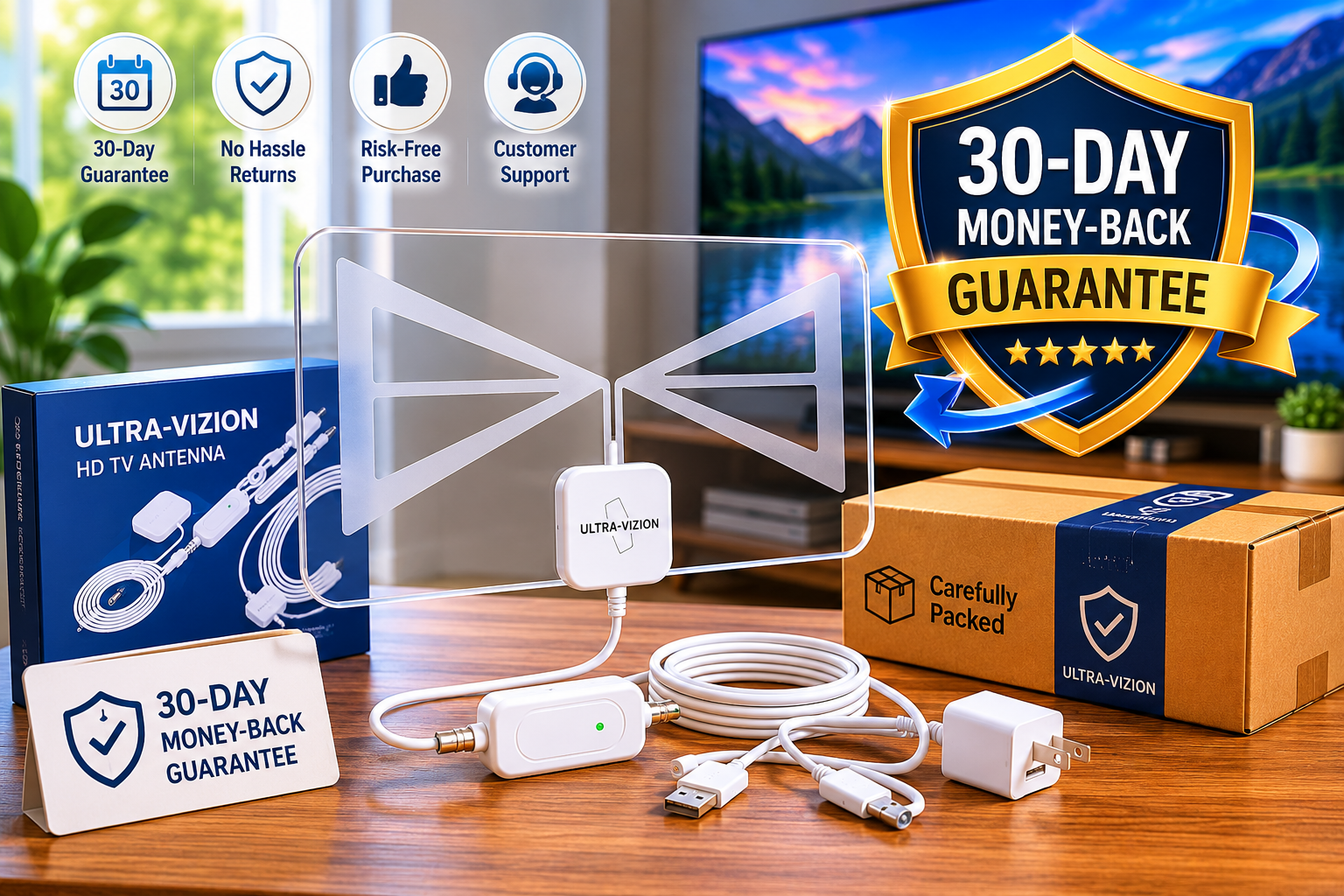
Every purchase is covered by the 30-day trial period, giving you peace of mind to test UltraVizion in your home environment.
Secure Checkout and Order Assurance
When buying an UltraVizion antenna, a trustworthy checkout process should make the order easy to review before payment. The current checkout material presents secure-card payment messaging and states that 3D Secure verification may be used by your bank during payment.
Check These Items Before Completing Purchase
- Selected product quantity.
- Discounted price shown at checkout.
- Included promotional bonus items.
- Shipping charge or optional delivery protection.
- Correct delivery address and contact details.
- Current return and guarantee terms.
- Payment total before confirmation.
A good purchase decision is not only about a discount. It is about knowing exactly what you are ordering, how it will be delivered and what support applies if your indoor reception conditions are not suitable.
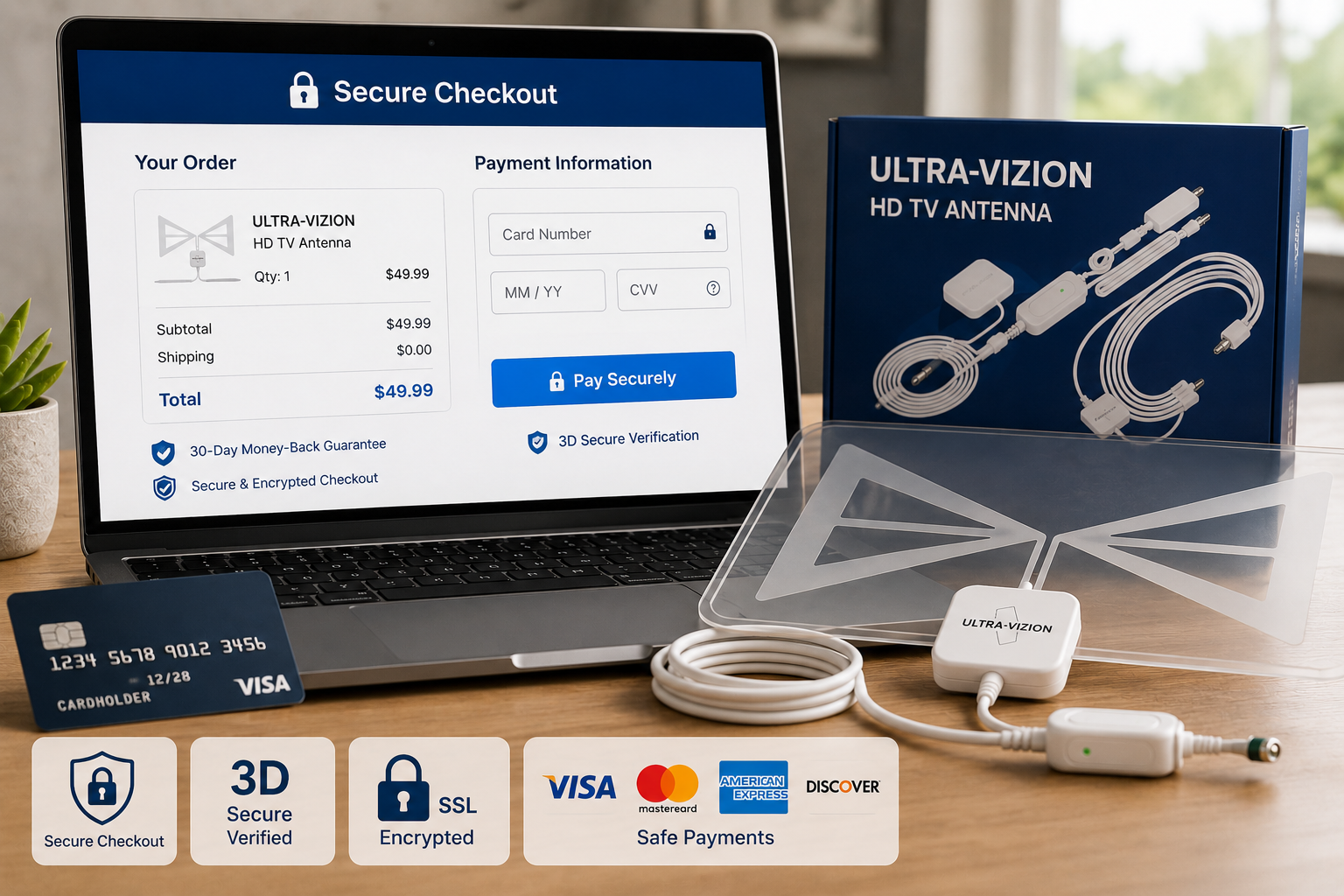
Your transactions are fully protected with 256-bit SSL encryption. 3D Secure verification may be triggered by your card issuer to authenticate your purchase.
Frequently Asked Questions
Quick answers to the most common questions about setups, channel reception, and order details.
Ultra Vizion is a transparent indoor amplified TV antenna designed to receive locally available over-the-air digital television broadcasts. It connects to a compatible television, is positioned toward nearby broadcast towers and allows the TV to scan for available channels without requiring a monthly cable television subscription.
No monthly fee is required simply to receive available over-the-air broadcasts with an antenna. UltraVizion is a one-time product purchase. Optional purchases, streaming services, delivery add-ons or unrelated subscriptions are separate and should be reviewed during checkout.
There is no fixed channel number for every customer. Ultra Vizion coverage depends on your location, nearby broadcast towers, window direction, antenna height, buildings, trees, terrain and interference. Scan results after installation show which local stations are available in your home.
UltraVizion is designed to receive available local over-the-air broadcasts. Depending on your area, this may include local network affiliates, news, weather, public broadcasting and selected live events. It does not automatically provide subscription-only cable or streaming channels.
UltraVizion does not require internet or an active cable subscription to receive available over-the-air broadcasts. It connects to your television as an antenna. Internet may still be useful for checking tower locations or using separate streaming services.
Your TV should have an antenna/coaxial input and a compatible digital tuner. Many modern HDTVs include the necessary tuner. Older televisions may need a digital converter box before they can display modern digital over-the-air broadcasts.
UltraVizion is promoted for HD and compatible advanced broadcast reception, but receiving 4K programming depends on what local stations broadcast, your TV equipment and reception conditions. Do not assume every available channel will be HD or 4K.
Start near a window facing likely broadcast towers, preferably with fewer trees, walls or outside obstacles. Avoid hiding it behind the television when a clearer location is available. After each placement adjustment, run a new channel scan.
Yes. The basic process is: connect the antenna to a compatible TV, connect the amplifier configuration when needed, position the antenna toward likely towers and scan for channels through the television menu. No technician installation is normally required.
The current promotion offers multi-unit bundles for homes with multiple televisions. For the cleanest independent setup, each TV may use its own antenna unit. Confirm product instructions before attempting any shared antenna configuration.
Current promotional bundle pages advertise a complimentary TurboSignal Kit with selected UltraVizion package purchases. Review the active checkout page for the exact included items, compatibility and current bonus availability before ordering.
Current promotional material states a 30-day return or money-back policy for customers who are not satisfied. Because terms can change, confirm the active UltraVizion return policy at checkout and save your purchase confirmation after ordering.
UltraVizion reception depends on your distance from broadcast towers, placement, terrain and nearby obstructions. It is best suited to indoor reception where local signals are reasonably strong. Check estimated local channel availability before ordering and rescan after testing different window positions.
Indoor antennas are usually better for local stations than for distant or low-power signals. If your home is far from broadcast towers or heavily obstructed, you may need to test different indoor positions or consider an attic or outdoor antenna solution.
No. UltraVizion is designed for indoor use only and should not be exposed to outdoor weather. Position it indoors near a window or suitable wall area with fewer obstructions for the best chance of receiving available local channels.
Not always. An amplifier may help where reception is weak or intermittent, but homes close to broadcast towers may not need extra amplification. Start with the recommended setup, compare reception and rescan channels after any change.
Moving an indoor antenna changes which signals your television can receive clearly. A new channel scan allows the TV to find and store stations available from the new position. Rescanning periodically may also help identify newly available channels.
Yes. Indoor TV reception can be affected by local conditions, nearby appliances, building materials and other sources of interference. If channels pixelate or drop out, try a different window, higher placement, adjusted direction and a fresh channel scan.
Contact UltraVizion Support
Have a question before you order? Contact support before purchase if you need help understanding compatibility, order quantities, shipping, bundle items or return terms.
For reception expectations, first check available local broadcast coverage and consider where the antenna could be positioned in your home. A quick check before purchase can make setup far smoother after delivery.
Maximize your setup success. Confirming local tower direction and window paths before ordering guarantees the absolute best over-the-air experience.
Product Updates & Disclosures
This page was last updated in May 2026 to reflect available UltraVizion product information, setup guidance and promotional offer details shown at the time of preparation.
Product prices, discount percentages, bonus kits, shipping options, guarantee terms and availability may change. Local channel reception depends on location, tower proximity, television compatibility, placement and environmental obstructions.
Disclosure: This product information page may contain links to a third-party purchase page. Review the current checkout details, seller terms and return policy before completing your order.